yodaka is an iPhone app for reading the classics of Japanese literature — Sōseki, Dazai, Akutagawa, Miyazawa — as they were written.
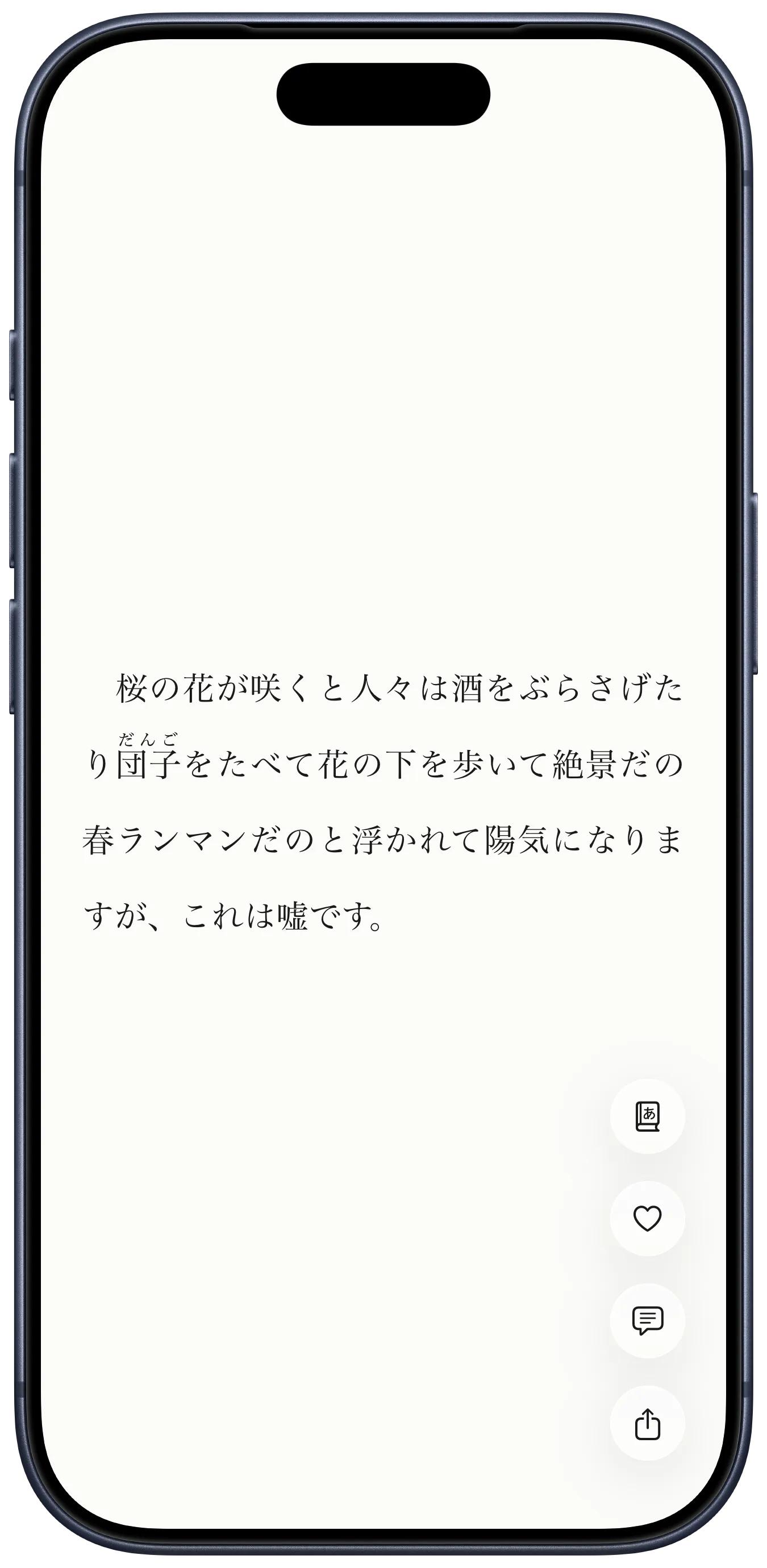
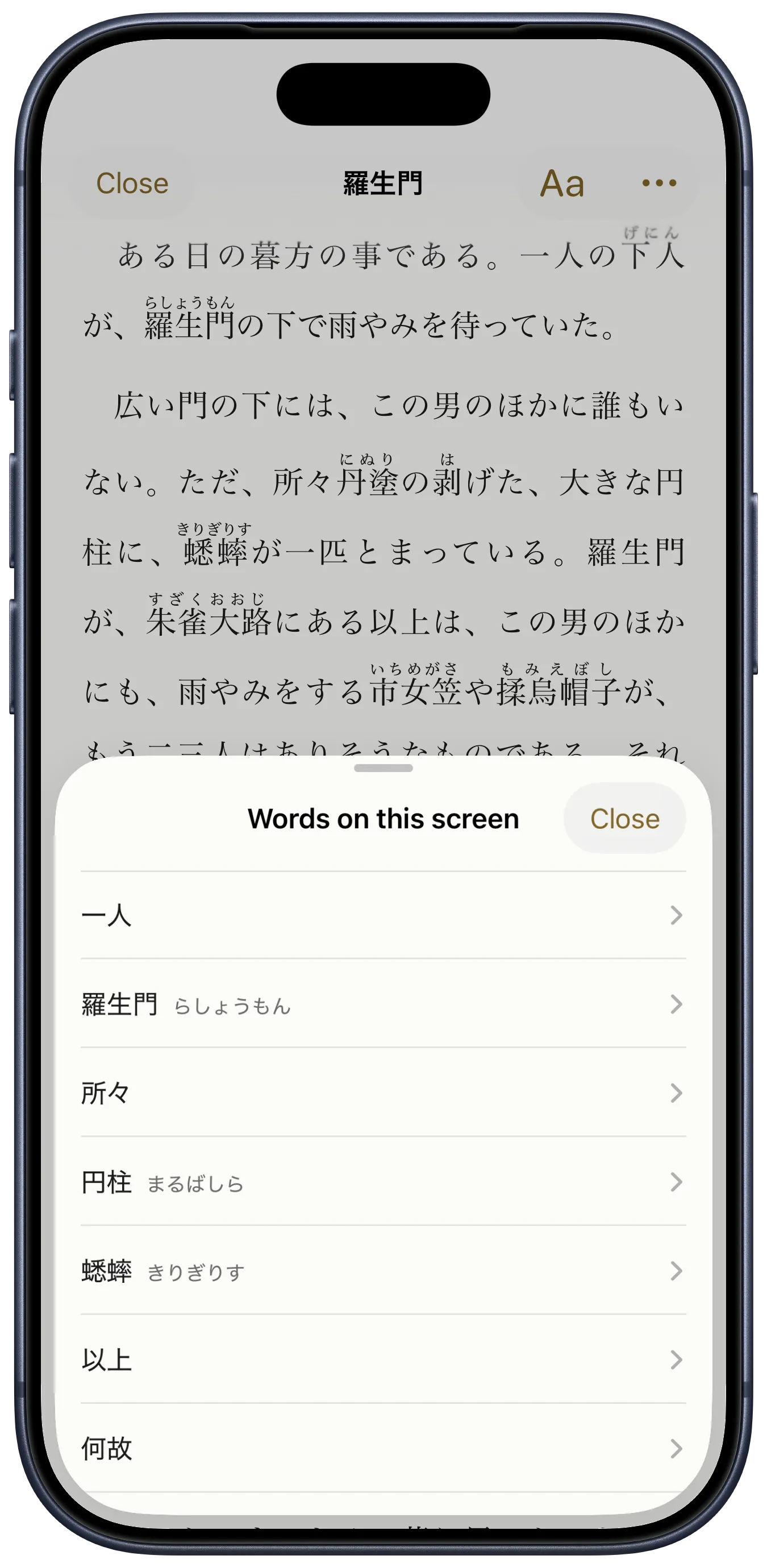
One tap lists the words on the screen with their readings. You are not switching to a dictionary app to type in a character you cannot read.
Over 50,000 works, from Aozora Bunko in Japanese and Project Gutenberg in English. Reading is free, with no ads.

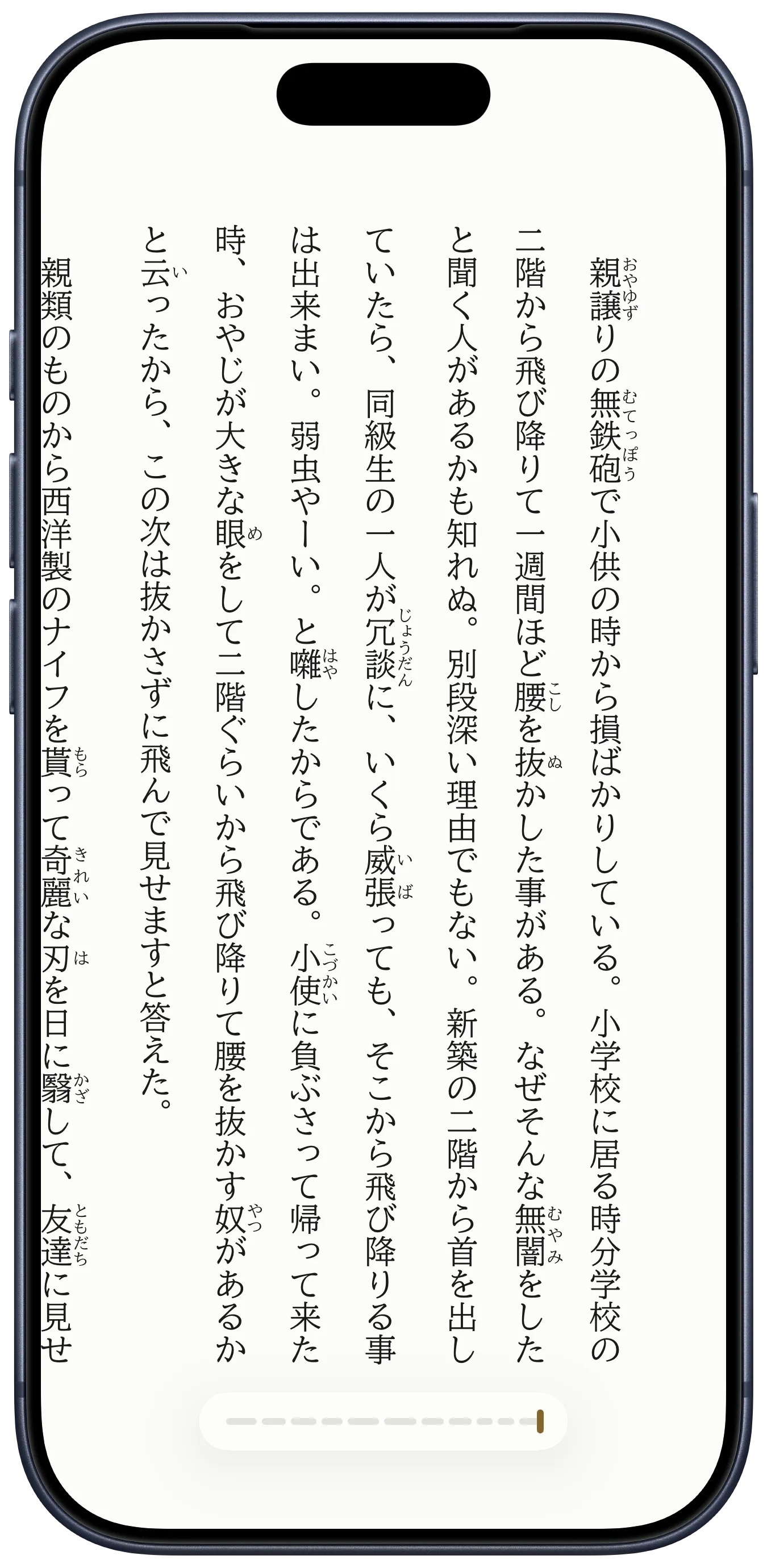
Japanese can be read down the page or across it. yodaka does both, and keeps the details that printed books keep: furigana above the kanji, emphasis dots beside the characters, proper line breaking.
Three ways to move through a text:


Ten typefaces, five of them free:
Tap Words on this screen. yodaka lists the words in front of you with their readings: 羅生門 becomes らしょうもん, 蟋蟀 becomes きりぎりす. These are exactly the words a dictionary app would make you type in by hand — and you cannot type a character you cannot read.
Readings come from the text where the edition supplied them, and from JMdict — about 650,000 entries — where it did not.
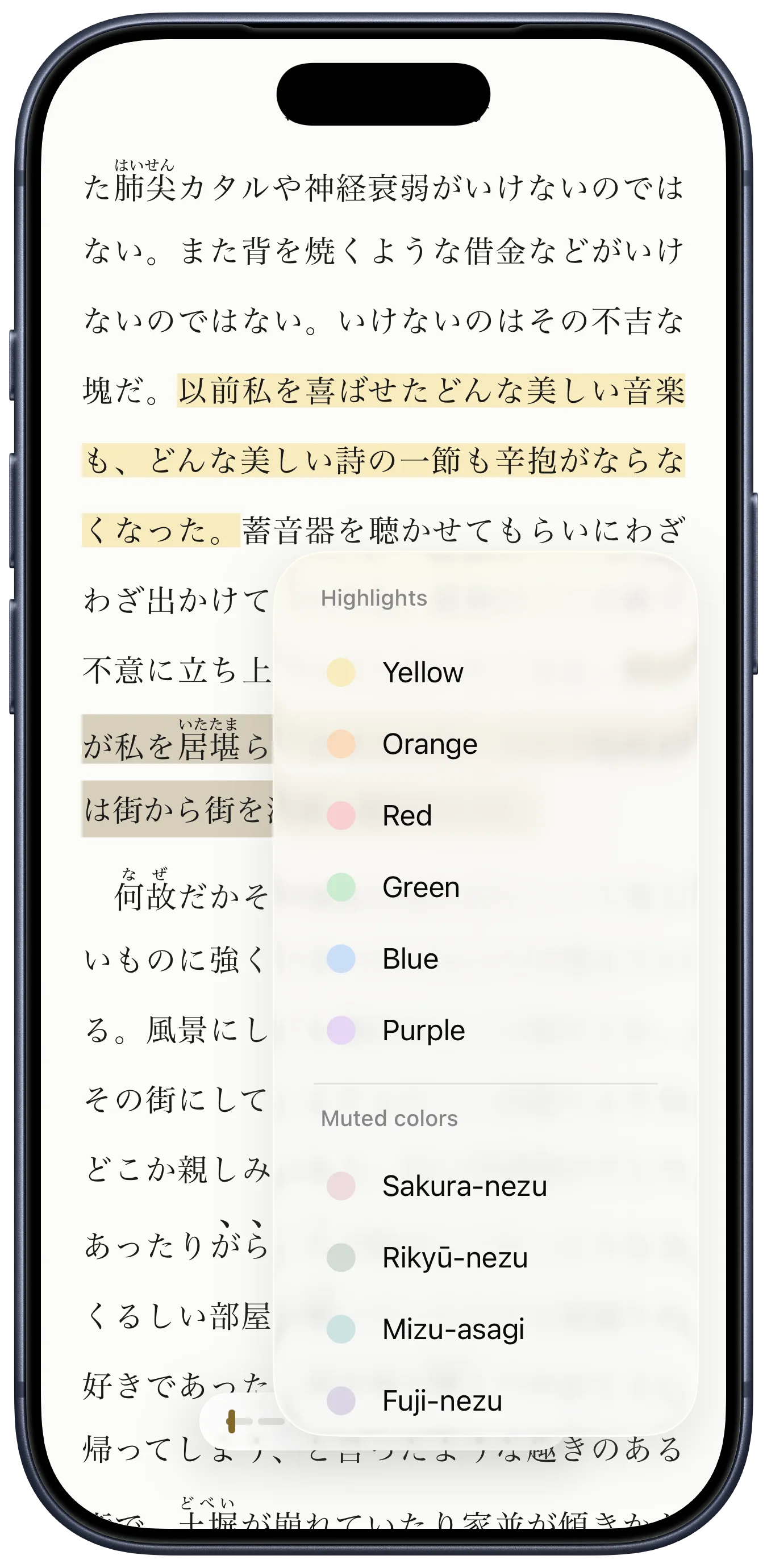
Underline what you want to keep. Write a note beside it. They collect in your library, and you can go back through them on their own.
The English works behave the same way.
If you use the Monokakido dictionary apps, yodaka can hand words straight to them.


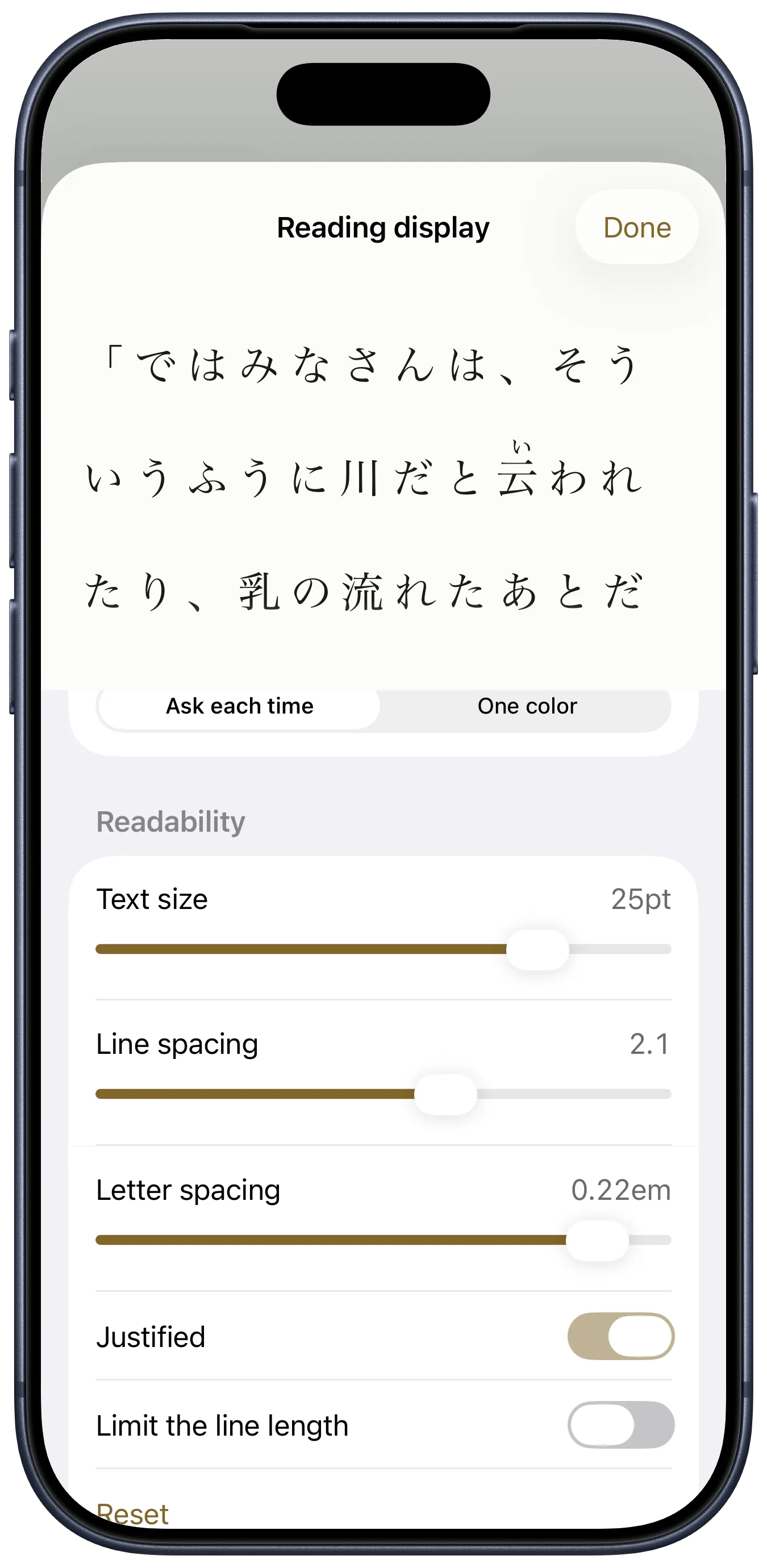
Text size, line spacing, letter spacing, line length, justification — all of it moves, and you see the change on real text as you drag.
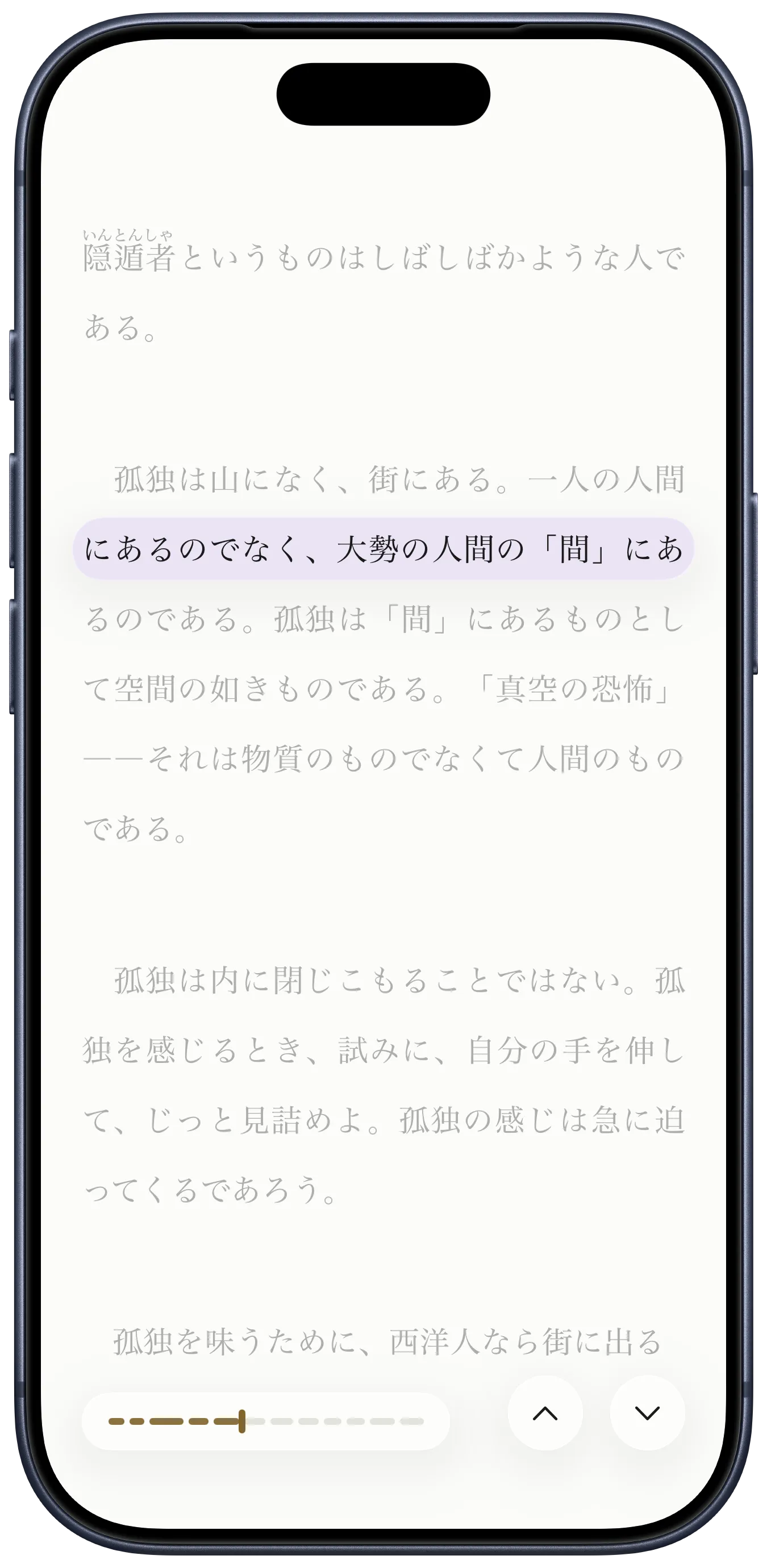
The reading ruler is for anyone who loses their place, or whose eyes slide off the line. It keeps one line lit and quiets the rest.


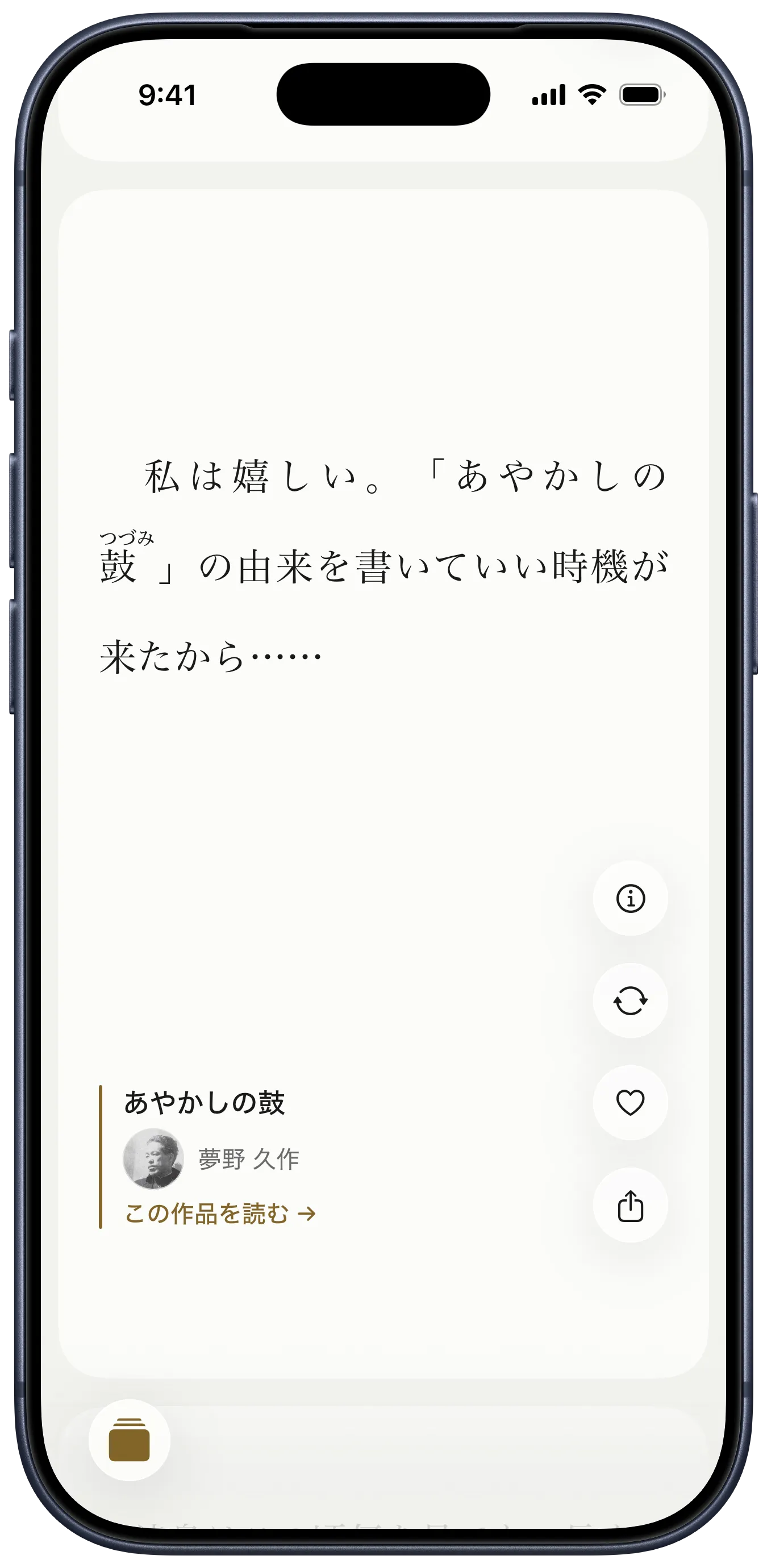
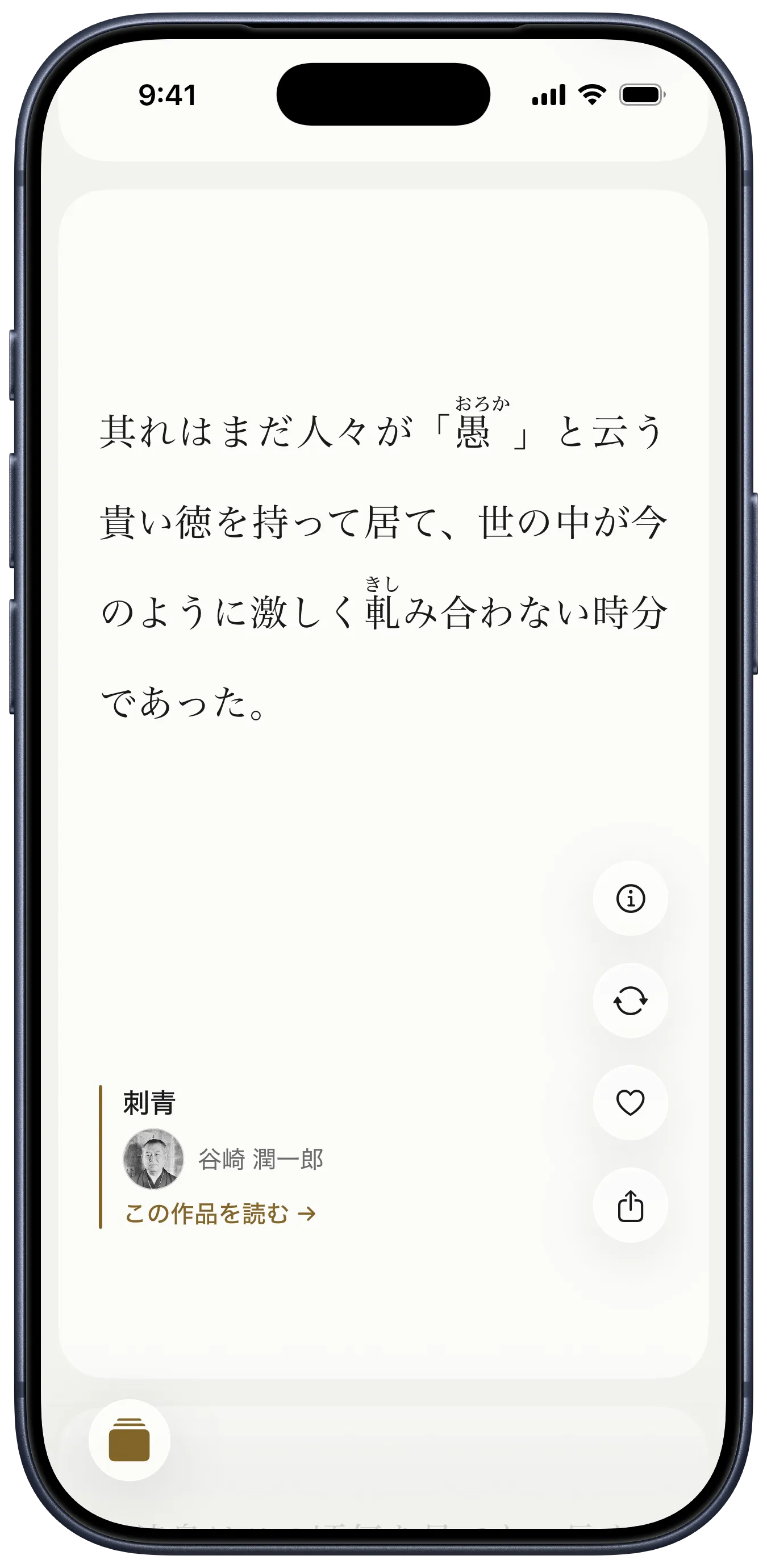
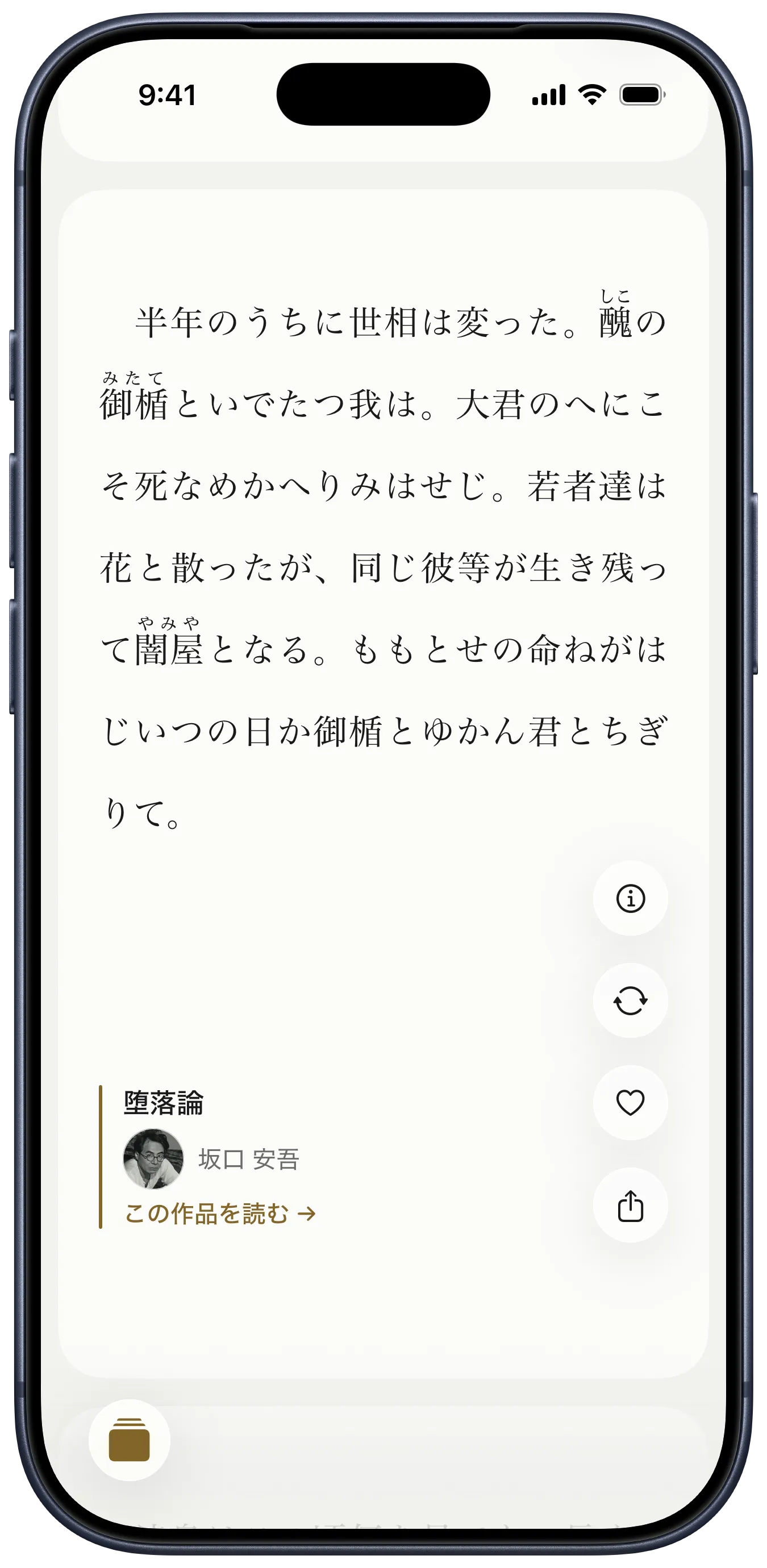
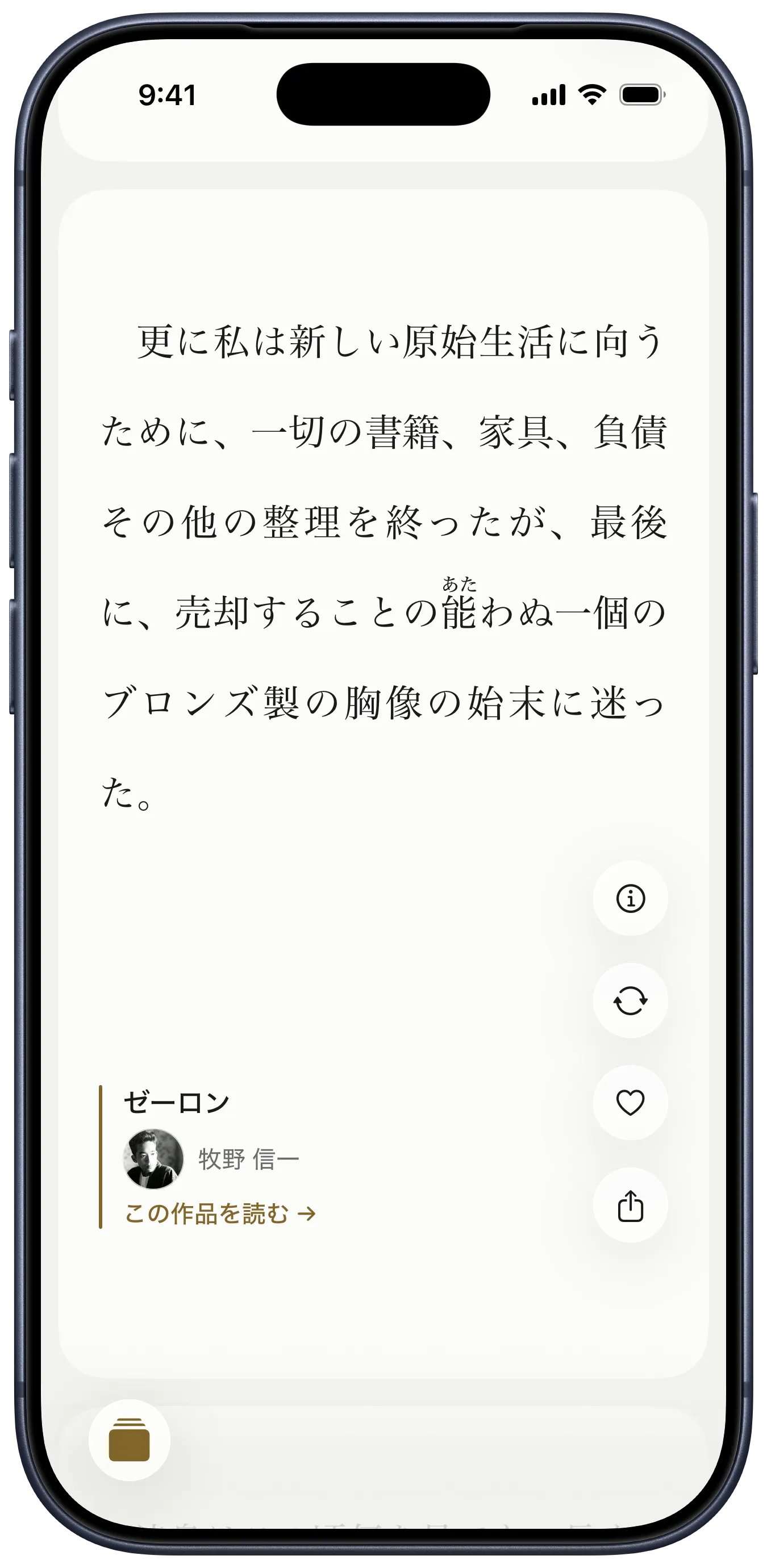
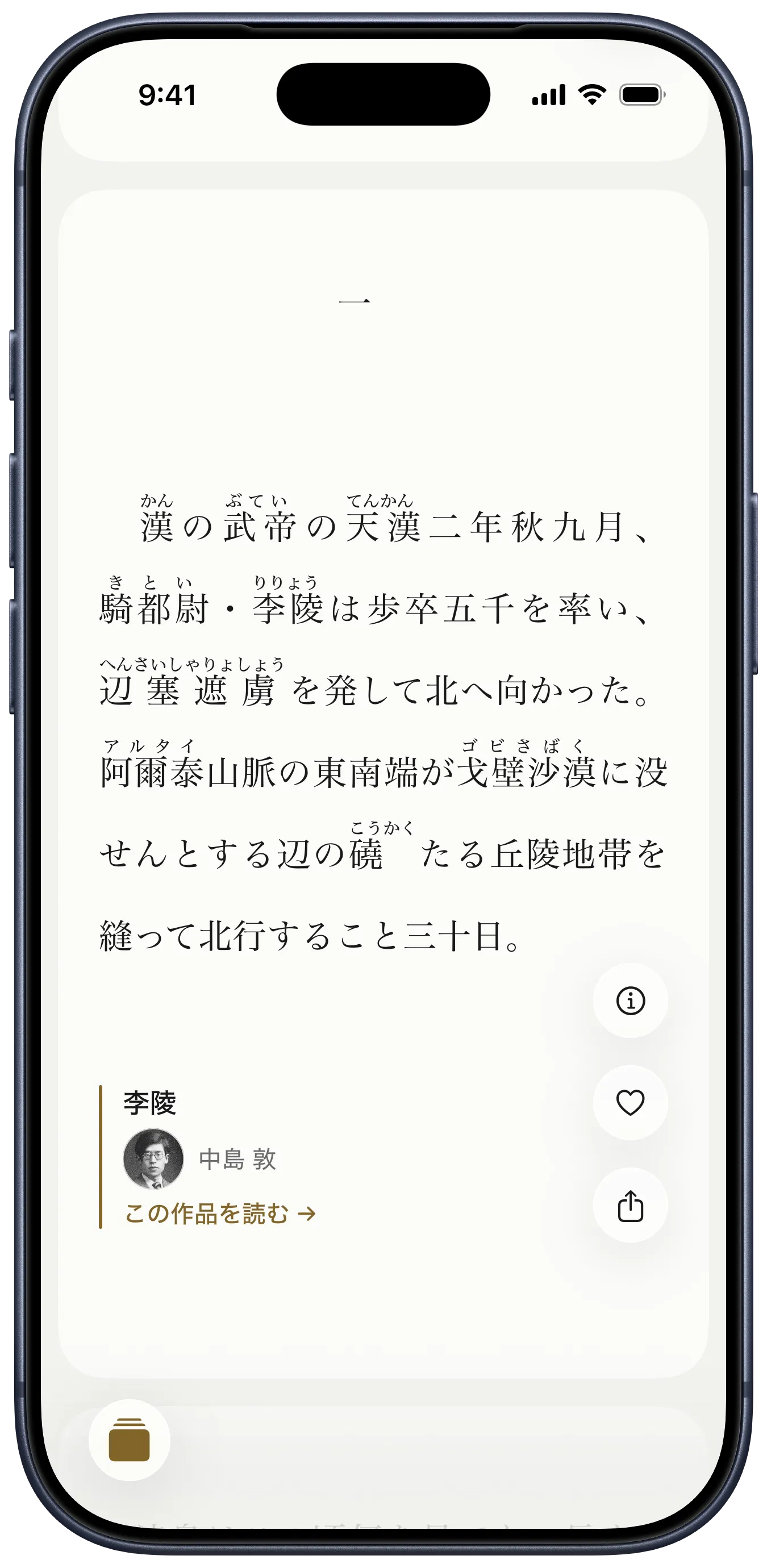
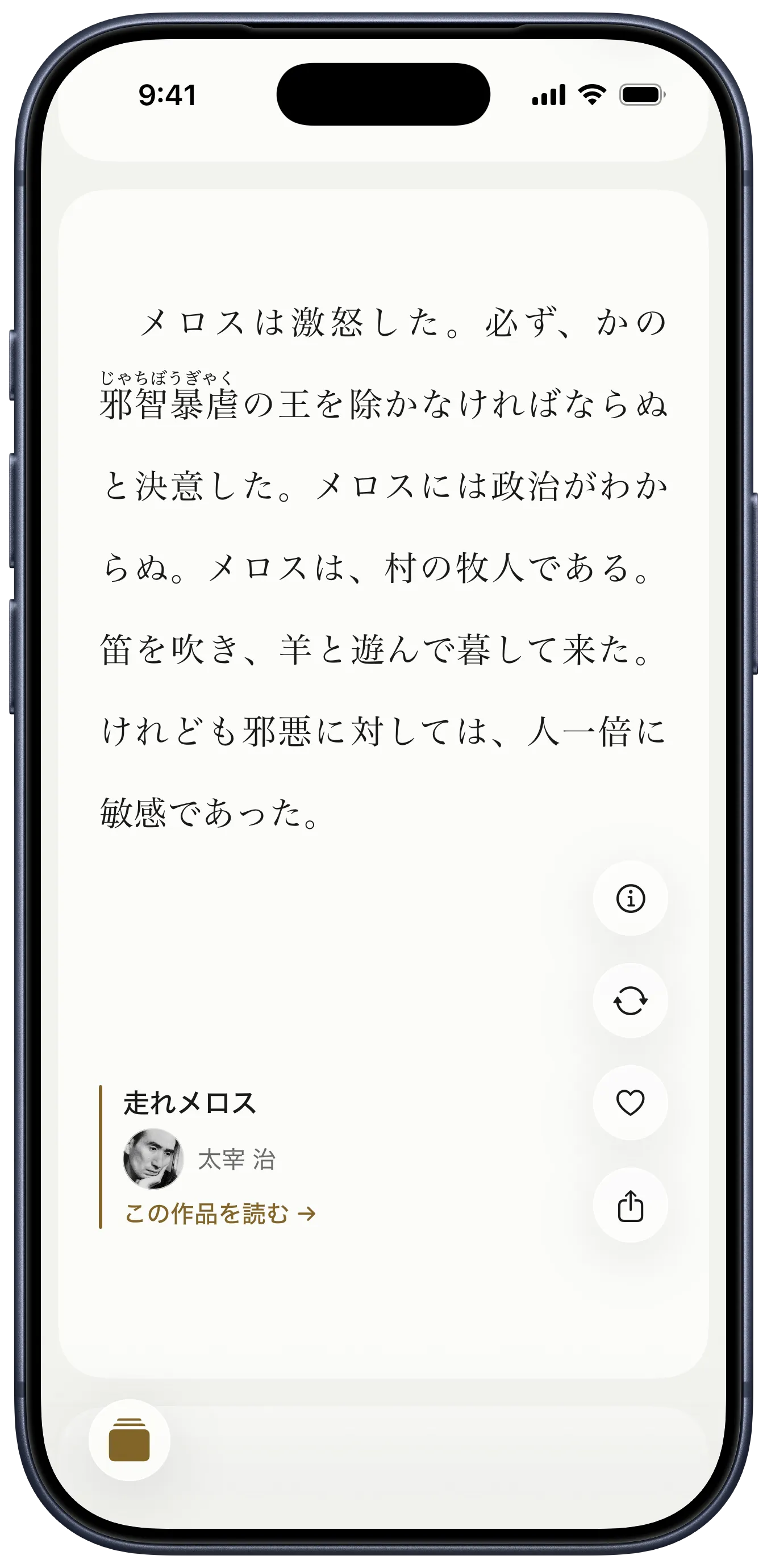
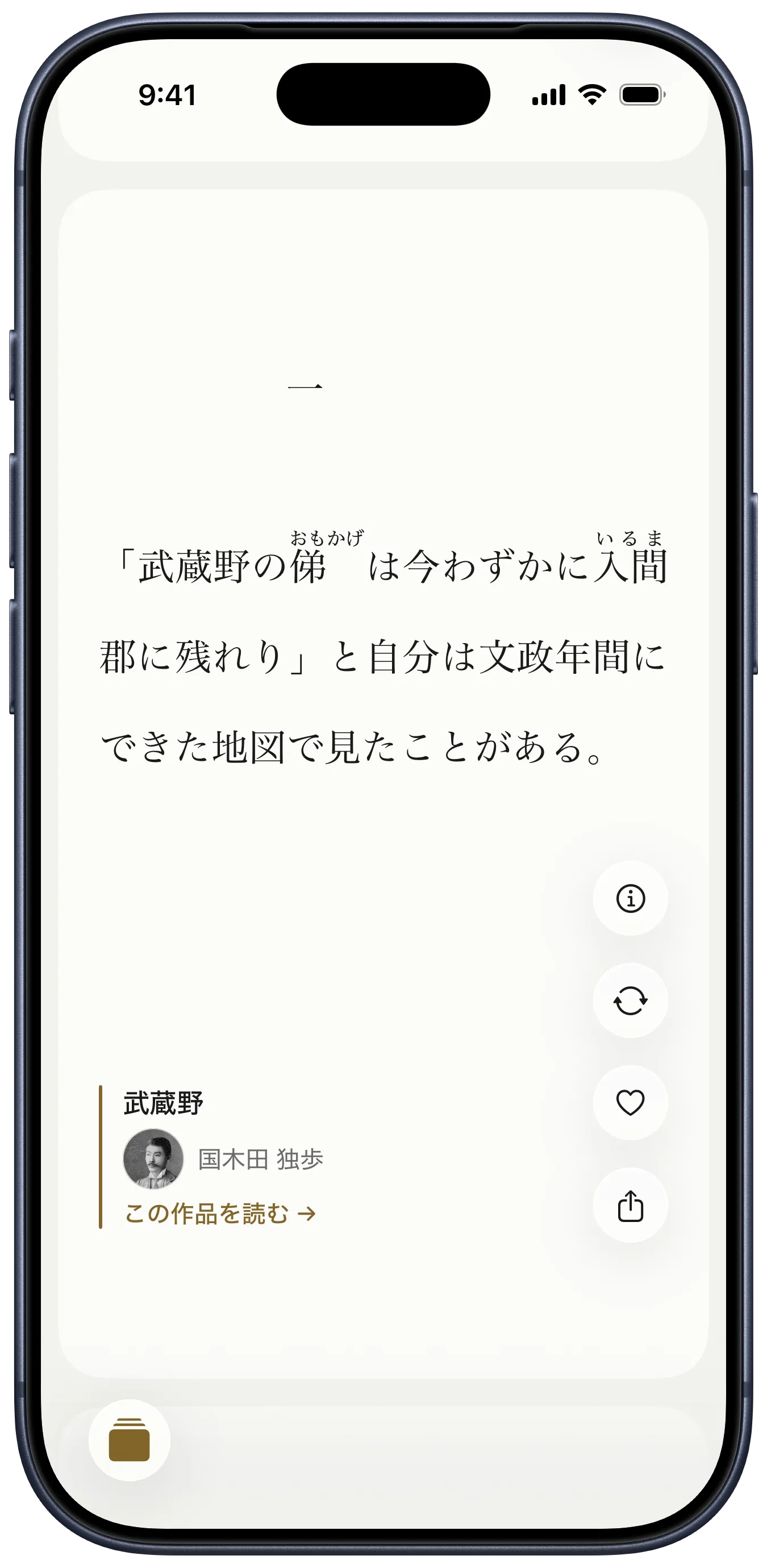
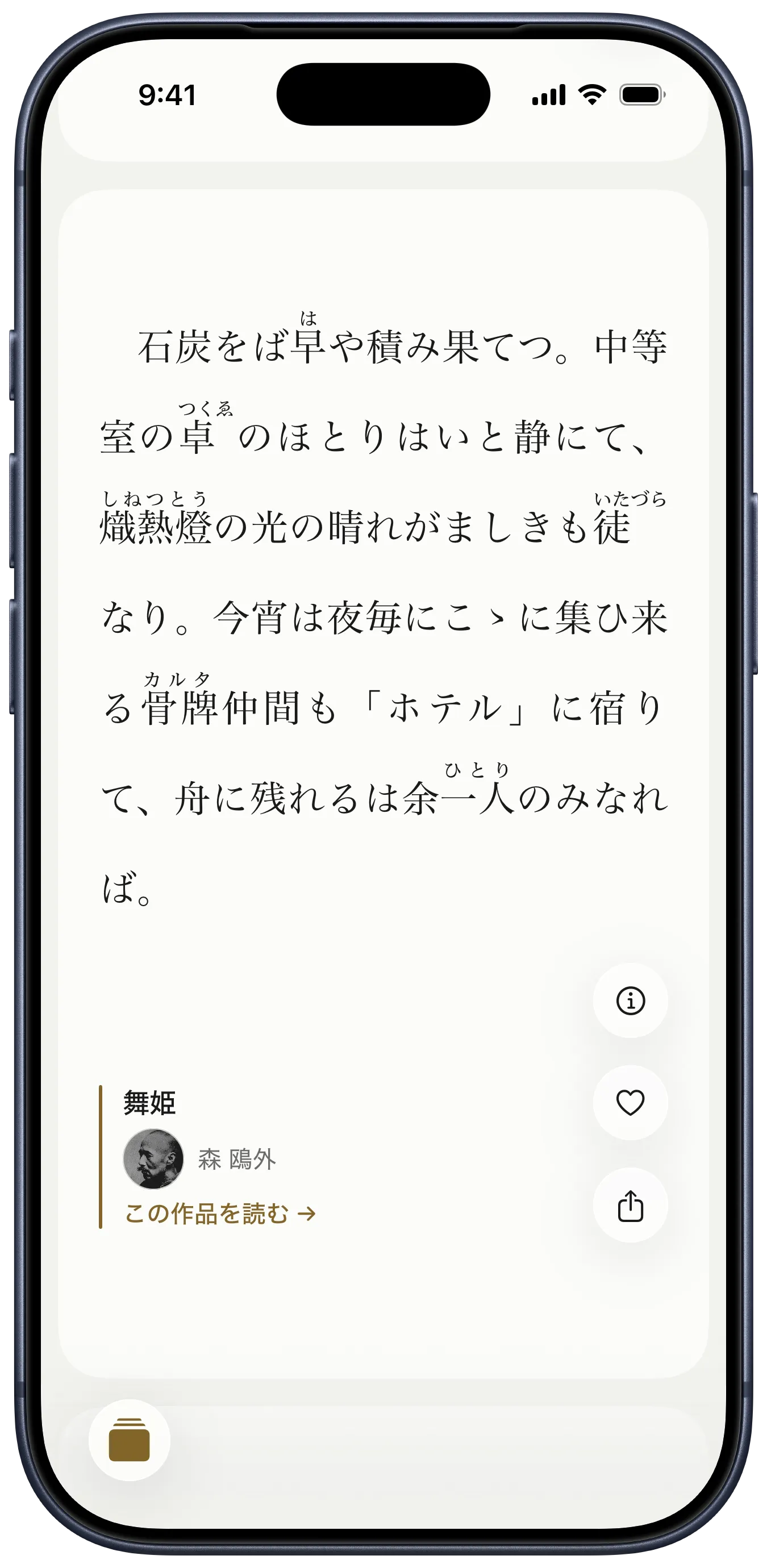
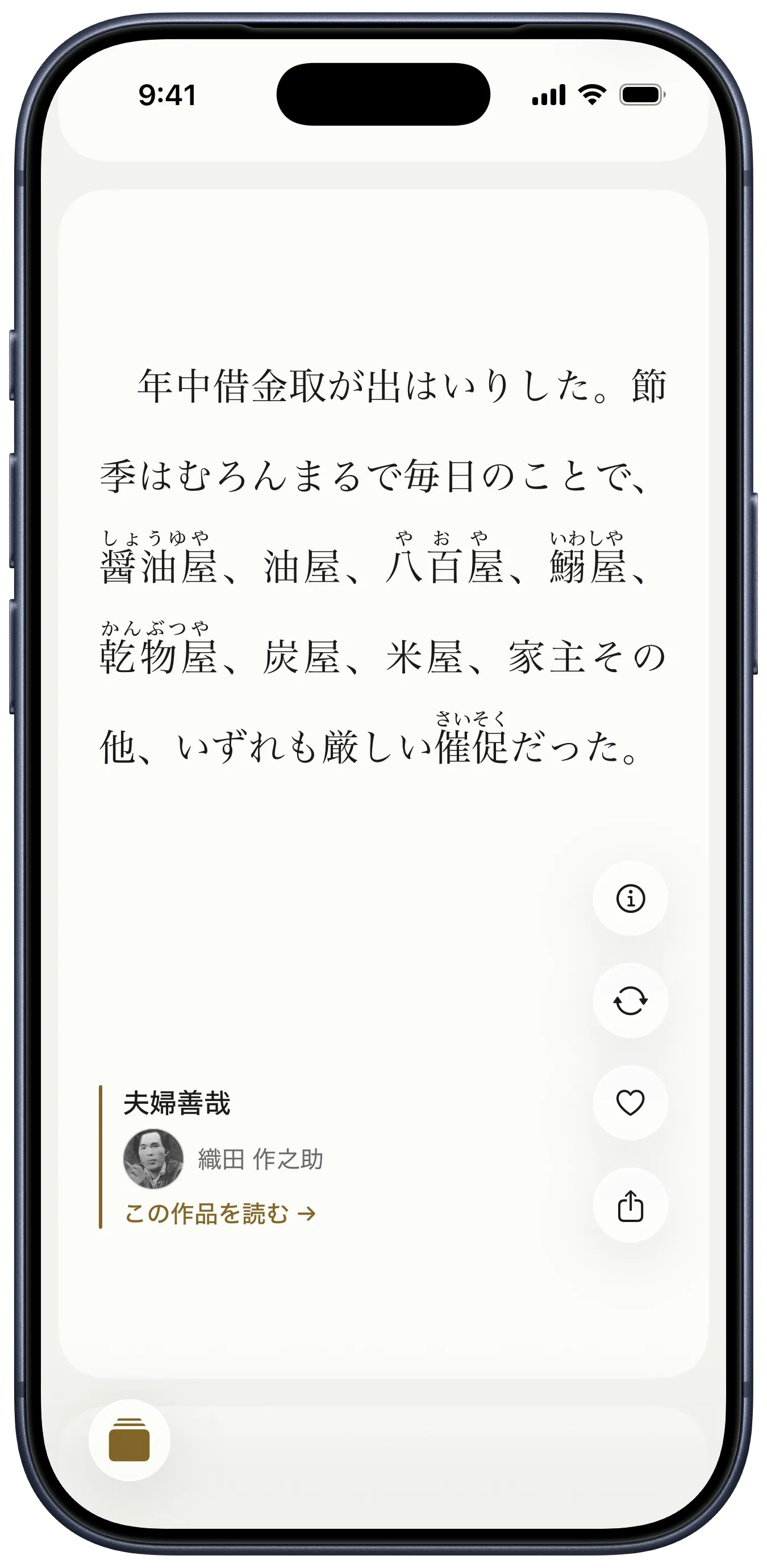
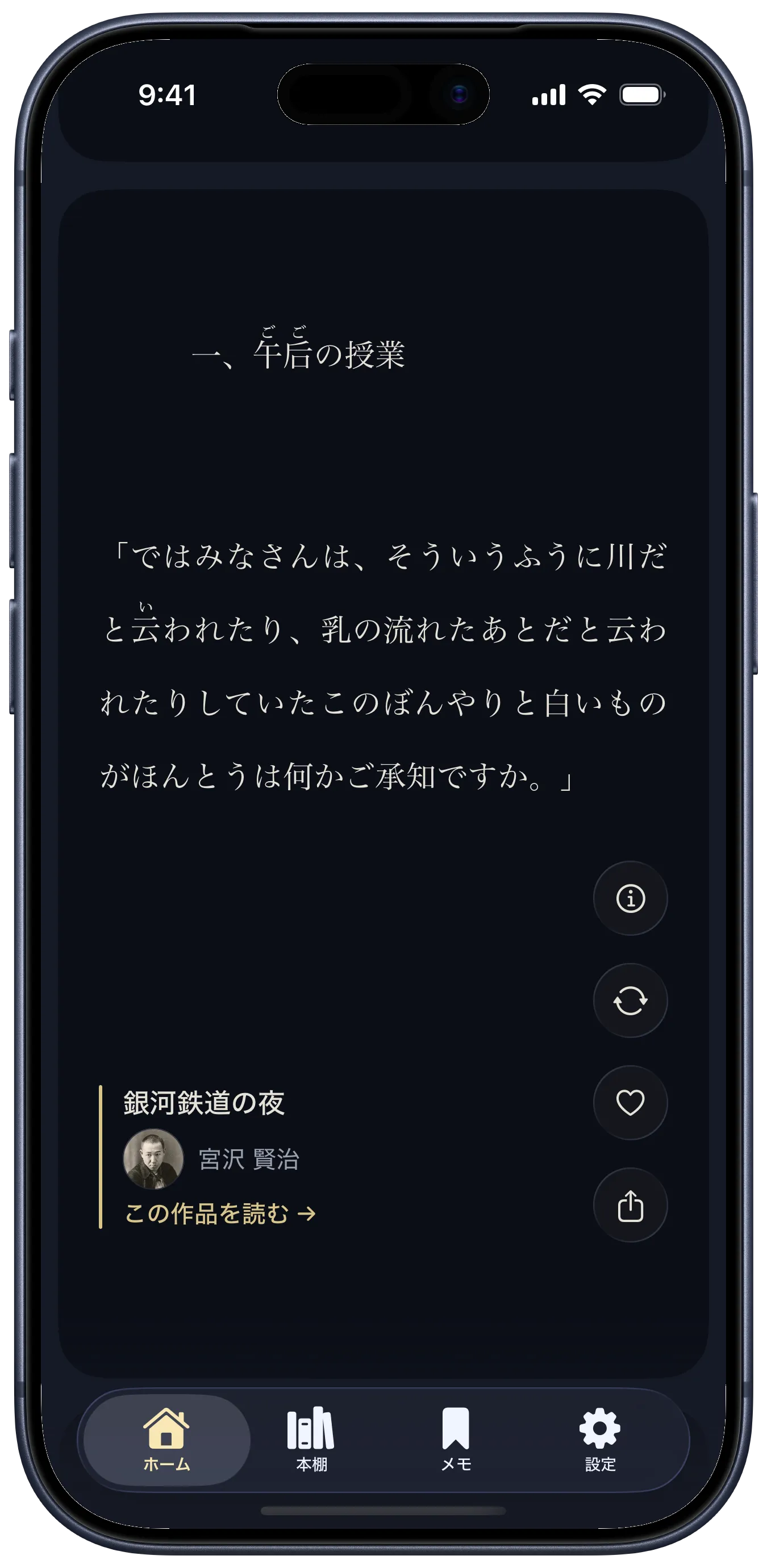
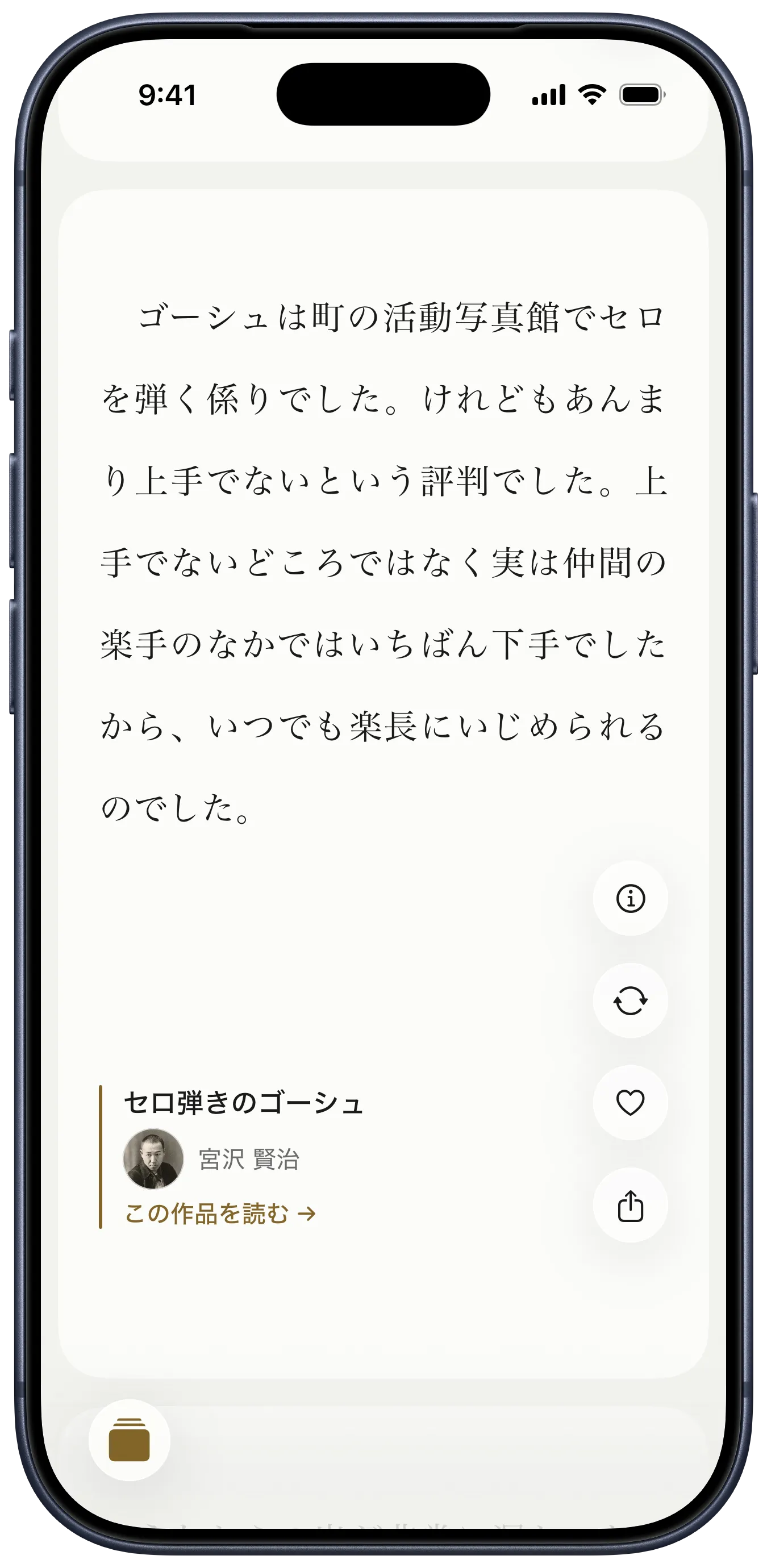
Fifty thousand works is too many to browse. yodaka opens on a feed of first passages — you read a few lines, and if they hold you, you keep going.
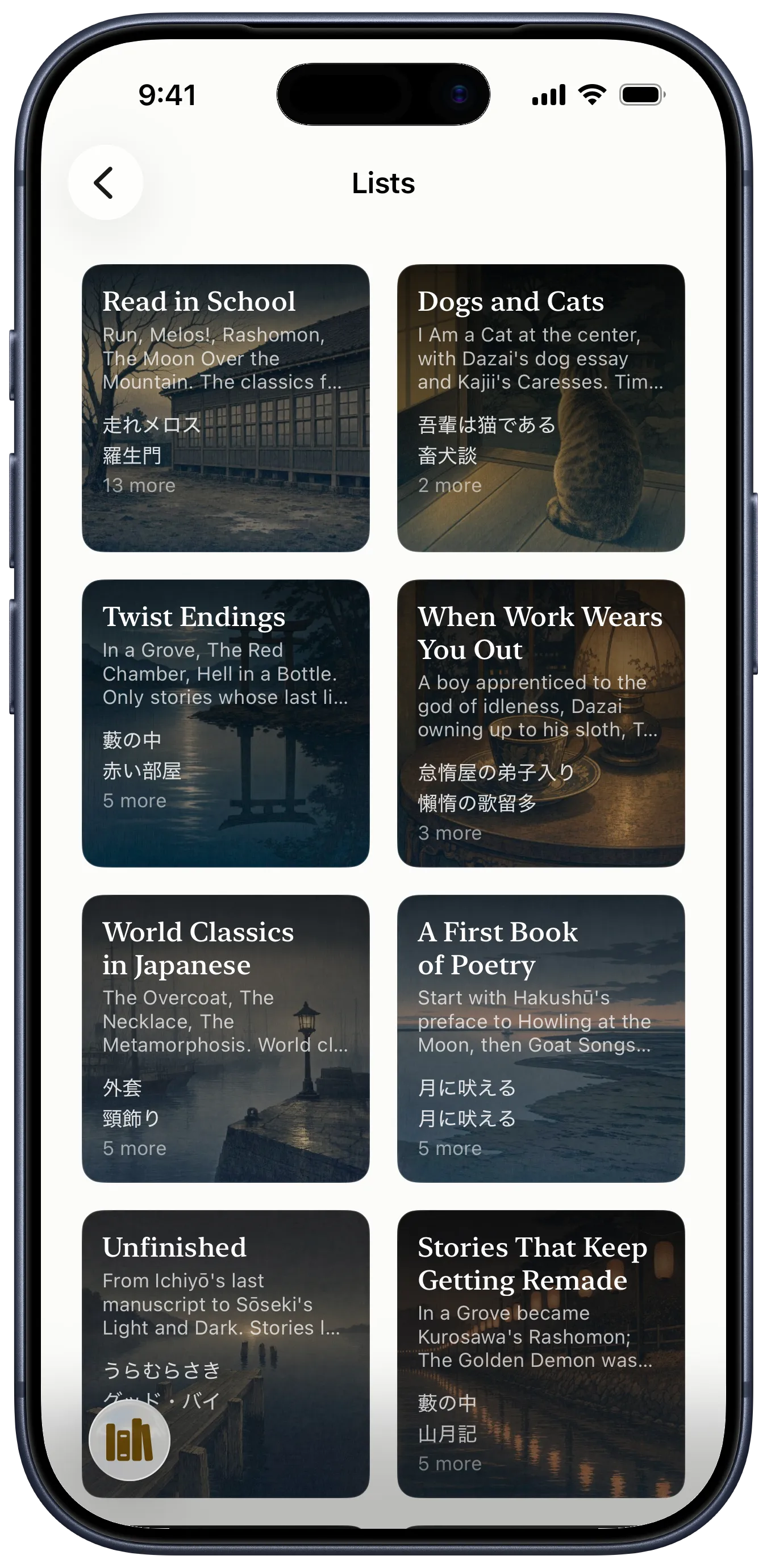
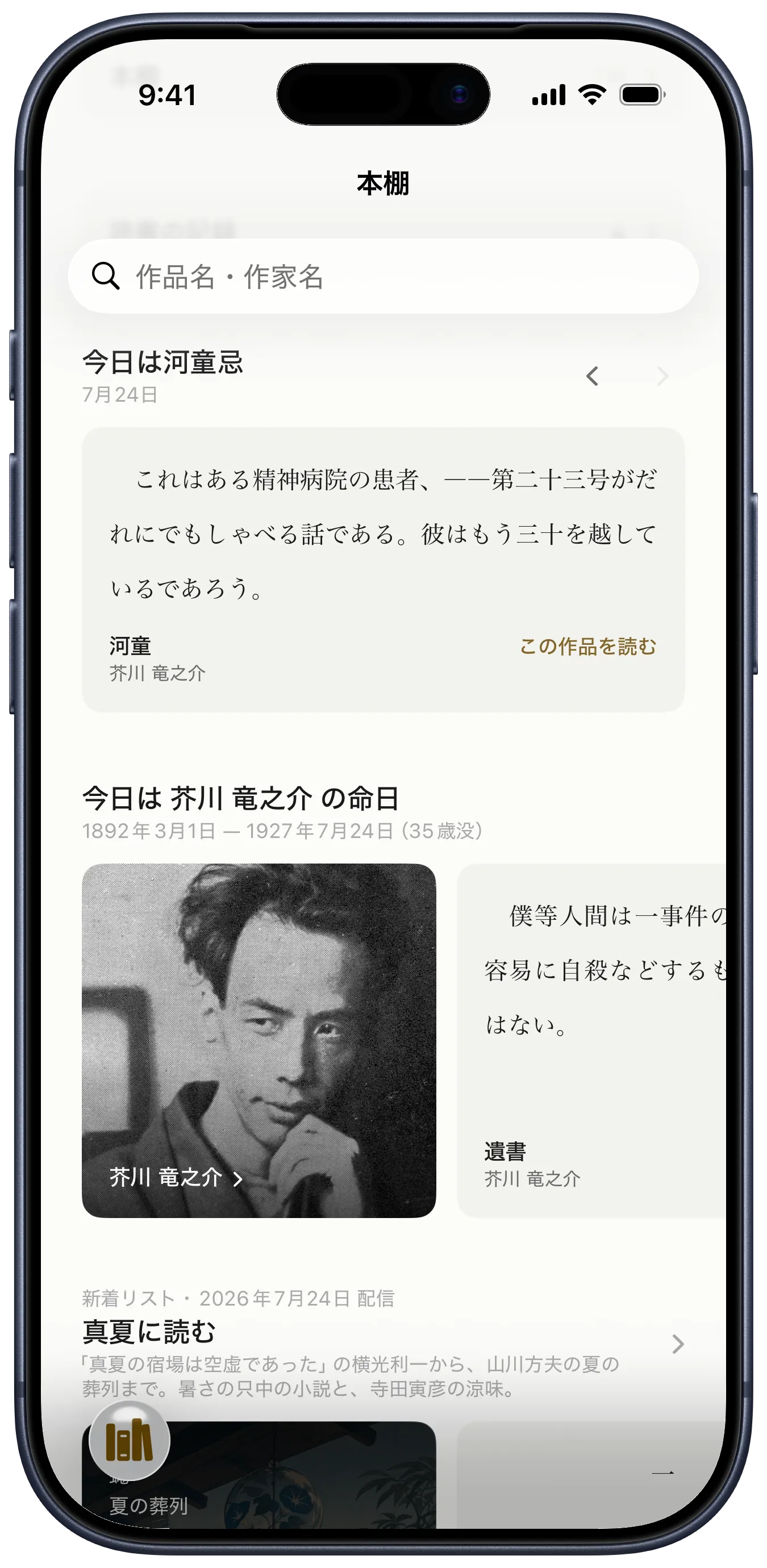
There are lists too, put together around a theme: Read in School,World Classics in Japanese, Stories That Keep Getting Remade. On the day a writer died, their work comes to the front.


Read Japanese literature
in the original